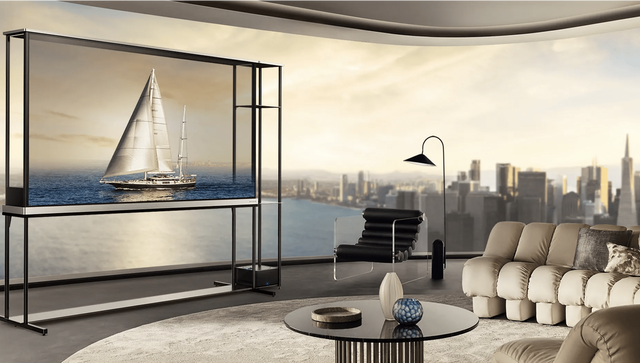
At a Glance
Ever notice how the perfect screen can turn a simple movie night into an unforgettable experience? When it's time to upgrade your TV, you'll find a dizzying alphabet of options: LED, OLED, QLED. What's the difference, and which one will bring that cinematic magic into your living room?
Find the Perfect TV
Upgrade your home entertainment with top LED, OLED, and QLED TVs at Flanner's Home Entertainment. Shop now and save!
Shop TVsChoosing a new display means navigating a sea of acronyms. While the choices might seem overwhelming, understanding the technology behind the screen is the first step to finding the perfect match for your home. Let's break down the mechanics of light and color to help you make the right choice.
Understanding the Basics of the Modern LED TV
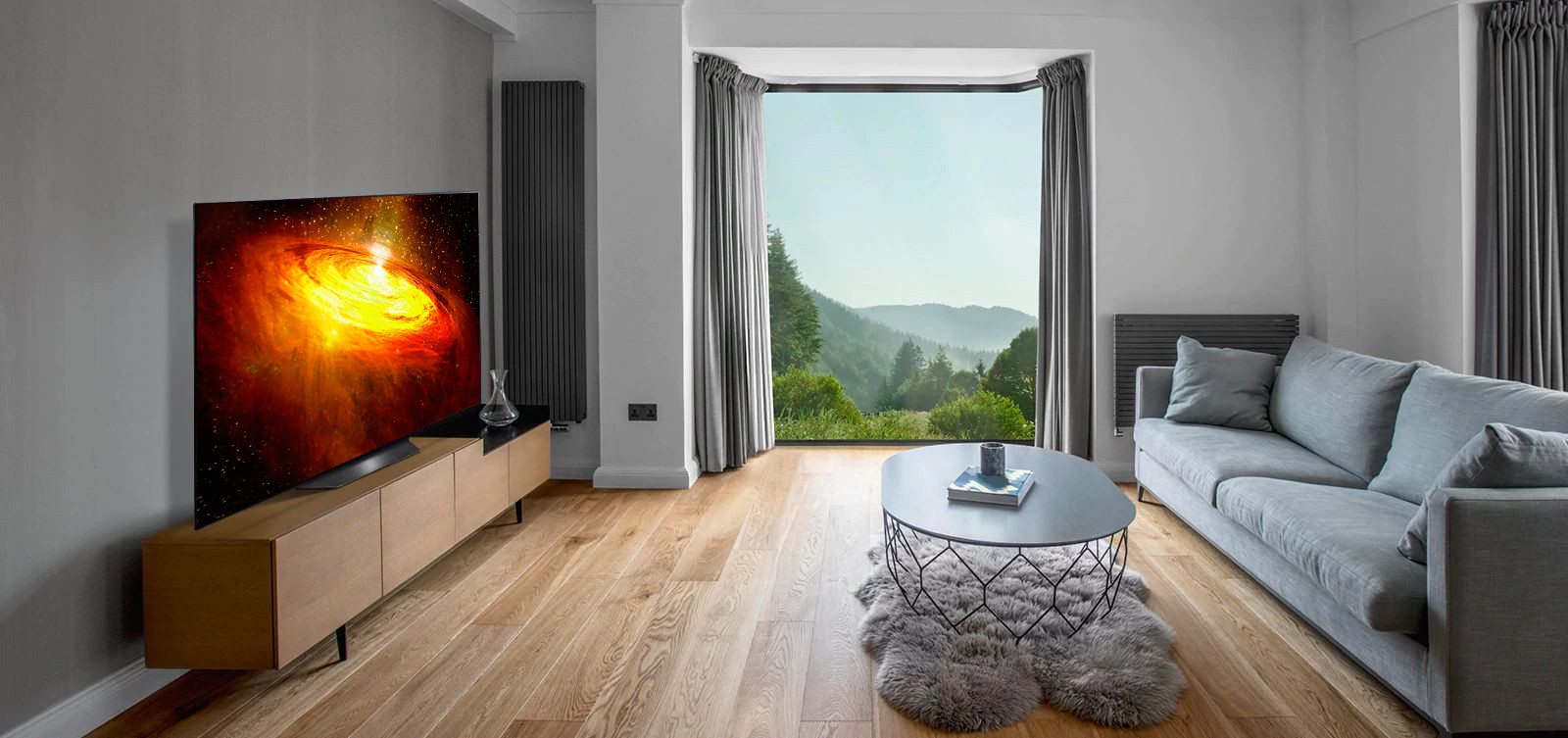
To understand modern displays, start with the most common technology: the LED TV. This is an advanced LCD screen that uses light-emitting diodes to illuminate the image.
How this light is managed affects everything from shadow depth to color vibrancy. The arrangement of these lights influences contrast, screen uniformity, and High Dynamic Range (HDR) performance.
Standard edge-lit LED backlighting (budget-friendly, thinnest designs)
Some LED TV models use edge-lighting, where LEDs are placed around the screen's perimeter. This allows for thinner, more affordable designs. However, this method can compromise picture quality, as the lack of precise backlight control may cause dark scenes to look grayish and reduce overall contrast.
Full-array local dimming (FALD) (better contrast, stronger HDR)
Full-array local dimming (FALD) arranges a grid of LEDs directly behind the LCD screen, allowing specific sections to dim or brighten independently.
This level of control offers several advantages over edge-lit models:
- Improved Black Levels: Dark areas appear deeper and more realistic.
- Enhanced Highlight Intensity: Bright parts of the image are more intense.
- More Cinematic Look: A FALD LED TV delivers a significantly more dynamic picture in scenes with mixed lighting.
While this is still a backlit LCD technology where dimming zones affect groups of pixels, the improvement in contrast is noticeable.
Mini-LED backlighting (more zones, finer control, less blooming)
Mini-LED technology enhances the full-array concept by using numerous smaller LEDs. These are grouped into hundreds or thousands of dimming zones, offering more precise light control and reducing the "blooming" effect around bright objects.
While a Mini-LED LED TV is not an OLED, since zones still manage clusters of pixels, the increased zone count offers a contrast experience that comes remarkably close. This is especially apparent with HDR content and daytime viewing.
Ultimately, a high-quality LED TV remains an excellent choice for a reliable, energy-efficient display. Mini-LED technology hits a "sweet spot," delivering premium performance without the higher cost of a self-emissive screen.
Self-Emissive vs Backlit TV Panels Explained
To understand modern displays, it helps to know where their light comes from. The discussion around self-emissive vs backlit TV panels explained a major shift in picture quality engineering.
- Backlit Displays: Traditional displays like QLED and standard LED TV models use a separate light layer behind the pixels.
- Self-Emissive Displays: OLED technology removes the backlight. Each pixel creates its own light and can turn off completely to display true black.
The ability for individual pixels to turn off creates unparalleled contrast, making visuals like a starship in deep space look incredibly realistic.
Exploring the Difference Between OLED and QLED
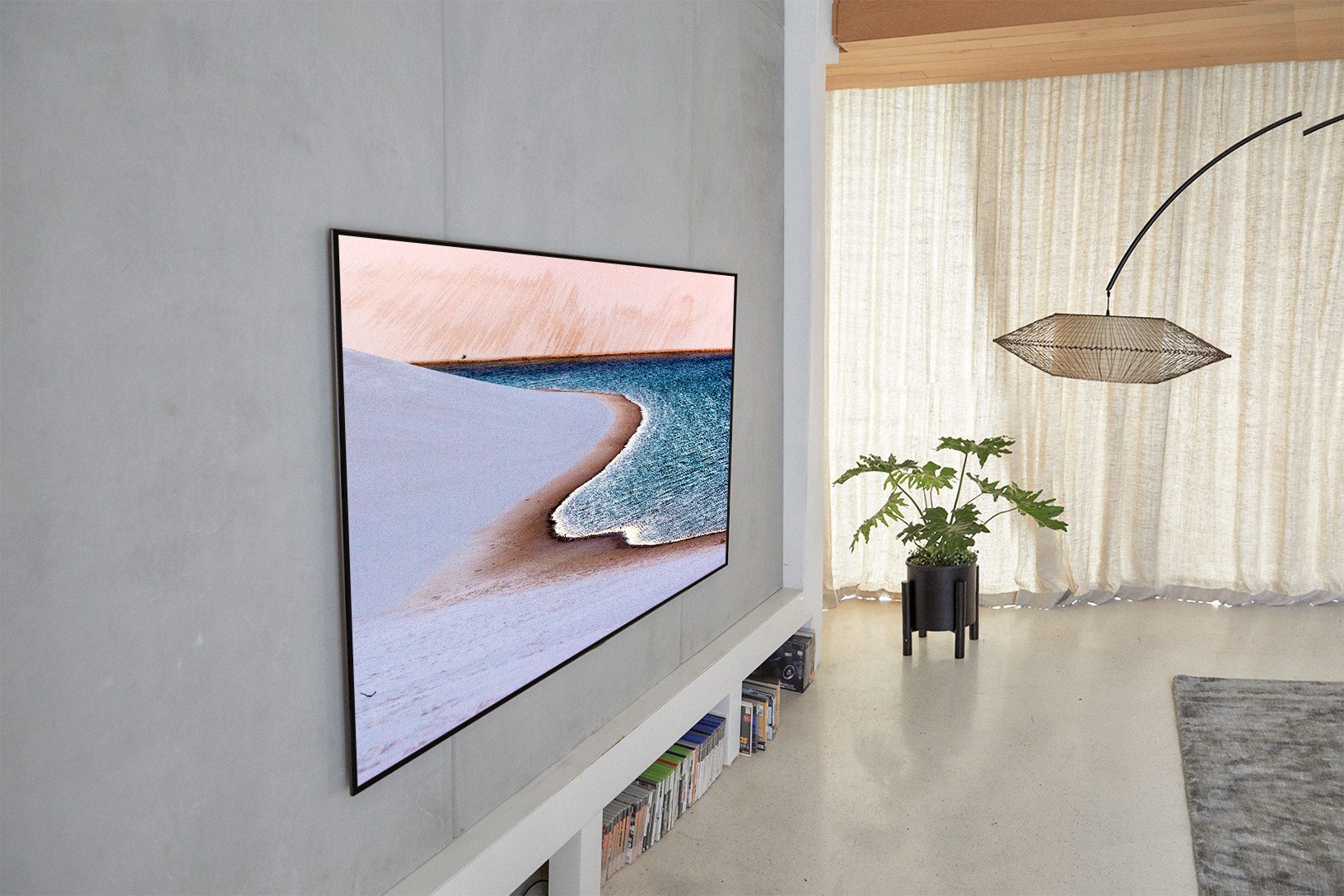
When comparing high-performance TVs, understanding the difference between OLED and QLED is key. Though the names are similar, the technologies are distinct.
- OLED (Organic Light-Emitting Diode): Celebrated for slim profiles and perfect black levels. Each pixel is controlled individually and can turn off completely, preventing light bleed between bright and dark areas.
- QLED (Quantum Dot LED): An evolution of the LED TV, QLED uses quantum dots to boost backlight brightness. This technology excels at producing intense brightness and a wide color spectrum.
The choice depends on the viewing environment. OLED is the champion for a cinematic experience in a dark room. QLED often has the edge for a versatile screen in a bright, sunny space.
QLED Color Volume and Brightness Benefits
The QLED color volume and brightness benefits are most apparent in well-lit spaces like homes with large windows. QLED TVs achieve higher brightness levels than OLEDs, so colors remain vibrant even in a bright room. This ability to maintain color accuracy at high brightness is called "color volume."
QLEDs are backlit LCDs that use a quantum dot film. These nanocrystals convert blue backlight into pure red and green light. This process creates a more efficient and precise RGB light source for the LCD's color filters.
This technology directly impacts the HDR viewing experience:
- Vibrant Colors: The precise light conversion means more brightness translates into vivid color rather than appearing washed out.
- Maintained Saturation: The QLED color volume and brightness benefits ensure colors stay rich even at peak brightness. A bright red object in an HDR scene remains deep red, not faded pink.
- Superior Bright Room Performance: Higher peak brightness combined with preserved saturation makes QLED a top contender for the best TV display technology for bright rooms, as it effectively combats glare.
For example, when watching a nature documentary, a bright parrot against a sunny backdrop will retain its deep, saturated color on a QLED, demonstrating its advantage in well-lit environments.
Best TV Display Technology for Bright Rooms
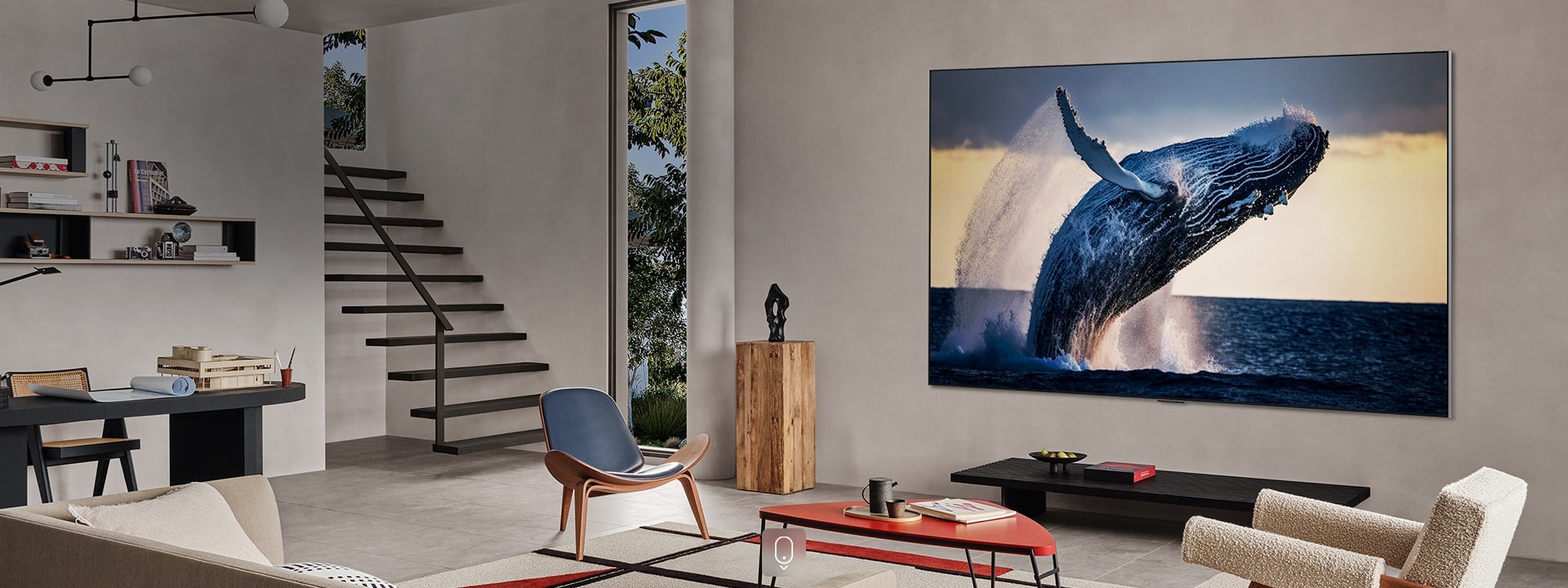
Most people watch TV in rooms with lamps, windows, and other light sources. The best TV display technology for bright rooms depends on two things: peak brightness and anti-reflective coatings.
Traditional LED TV units and modern QLEDs are designed to combat these issues.
- Brightness: A high-end QLED can be much brighter than a standard OLED, allowing the image to cut through reflections.
- Anti-Reflective Coatings: Many sets use advanced layers to scatter light, reducing the mirror effect during daytime viewing.
This ensures that everything from the morning news to an afternoon game is as clear as a late-night movie.
Best Gaming TV’s: LED vs QLED vs OLED
When it comes to gaming, the criteria for the best TV shifts. Speed and responsiveness are critical. The debate over the best gaming TVs—LED vs QLED vs OLED often centers on refresh rates and input lag.
OLEDs are praised for their near-instantaneous response times, which keep fast-moving action sharp and clear. However, HDMI 2.1 features are the real game-changers for many households. It's crucial to look for these capabilities when comparing the best gaming TVs LED vs QLED vs OLED.
Variable Refresh Rate (VRR)
VRR lets the TV adjust its refresh rate to match the frame rate of a gaming console or PC. This synchronization reduces stutter and screen tearing, making gameplay feel smoother.
Auto Low Latency Mode (ALLM)
ALLM signals the TV to automatically switch to its low-latency gaming mode. This bypasses the need to manually change settings before playing.
Practical Gaming Checklist
To avoid common setup issues, follow this guide:
- Confirm HDMI 2.1 Features: Check the TV’s specs for VRR and ALLM and enable them in your console's settings.
- Avoid Handshake Issues: Use a certified Ultra High Speed HDMI cable for 4K signals at high refresh rates.
- Reduce Input Lag Quickly: Activate "Game Mode" or let ALLM handle it. Disable extra motion smoothing features that can add delays.
- Pick the Right Panel for Your Room: An OLED is great for dark rooms due to its contrast and response times. A QLED or Mini-LED LED TV is better for bright rooms because of its higher brightness.
Modern QLEDs are also strong gaming contenders, offering specialized modes and high refresh rates. Since games often have static HUD elements, the burn-in resistance of a standard LED TV or QLED provides extra durability.
| Category | LED (incl. Mini-LED) | OLED | QLED |
|---|---|---|---|
| Light source | Backlit LCD (edge-lit or full-array) | Self-emissive — each pixel makes its own light | Backlit LCD + quantum dot film |
| Black levels | Good (FALD/Mini-LED) | Perfect — pixels turn off completely | Good (FALD/Mini-LED) |
| Brightness | High | Moderate | Very high |
| Contrast | Good — limited by backlight zones | Infinite — per-pixel control | Good — limited by backlight zones |
| Color volume | Good | Excellent in dark rooms | Best — vivid colors at peak brightness |
| Bright room performance | Good | Weaker (lower peak brightness) | Best — high brightness fights glare |
| Dark room performance | Good | Best — perfect blacks shine here | Good |
| Gaming response time | Good | Near-instantaneous | Good, with specialized gaming modes |
| Burn-in risk | None | Low risk — built-in protections help | None |
| Price range | Budget to mid-range | Premium | Mid to high |
| Best for | Everyday use, value shoppers, bright rooms | Dark-room movie lovers, gamers, thin designs | Bright living rooms, sports, HDR content |
4K and 8K TV Screen Types Explained
Regarding 4K and 8K TV screen types explained, the numbers refer to pixel density.
- 4K Screens: Approximately eight million pixels.
- 8K Screens: Thirty-three million pixels.
This jump in pixels creates incredible detail, most noticeable on very large screens (over 75 inches).
However, an 8K screen isn't a must-have for everyone. The quality of the LED TV or OLED panel itself often matters more than resolution alone; a premium 4K OLED will usually look better than a budget 8K display. Still, an 8K display offers future-proofing as more high-resolution content becomes available.
Why Expert Consultation at Flanner's Home Entertainment Matters
Choosing the right display is a personal journey. Technical specifications provide a roadmap, but seeing these technologies in person is invaluable. Flanner's Home Entertainment has a long history of helping families build traditions by fitting entertainment solutions to real homes and budgets.
Expert guidance is crucial. When choosing an LED TV or understanding the difference between OLED and QLED, shoppers benefit from decades of hands-on problem-solving. At Flanner's, experts help customers find the sweet spot between performance and value. The showroom advantage is clear: online reviews describe brightness, but a showroom lets you see reflections, black levels, and color volume side-by-side. This experience is especially valuable when choosing the best TV display technology for bright rooms or having self-emissive vs backlit TV panels explained in a way that makes practical sense.
Learn more: Surround Sound 101: What You Need to Know
Why the Showroom Experience Saves Time (and Returns)
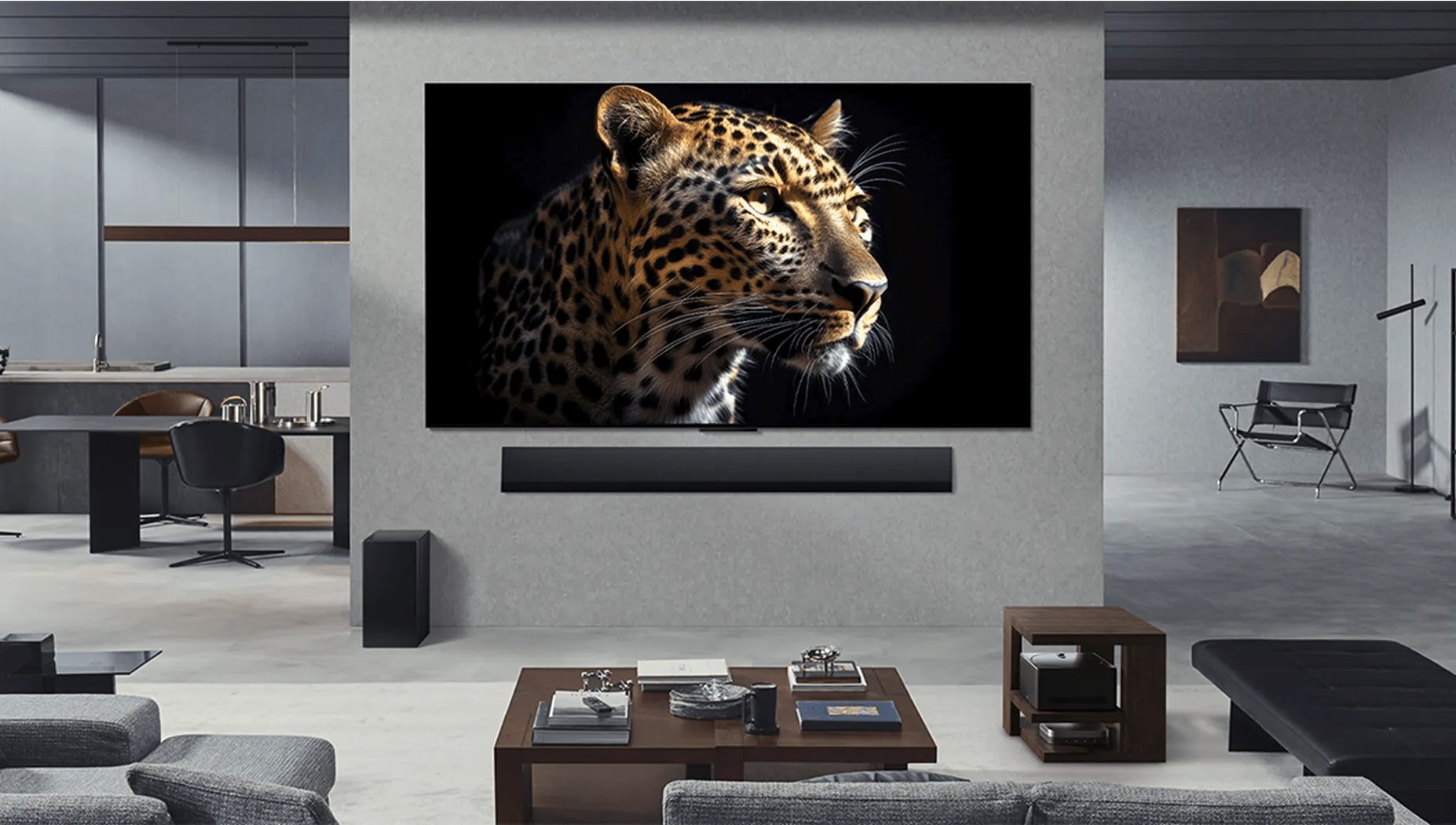
A spec sheet can't tell you the whole story. Visiting a showroom lets you:
- Compare HDR brightness hands-on: Seeing the same scene on multiple screens at once makes it easier to spot the QLED color volume and brightness benefits.
- Experience real lighting conditions: Judge glare, reflections, and shadow detail in a realistic setting, not a perfect studio photo.
- Inspect fit and finish: Details like bezel thickness, stand stability, and cable management are easier to evaluate in person.
- Match the TV to its use case: A massive LED TV for a basement has different needs than a living-room TV that competes with sunlight.
Expert guidance helps prevent costly mistakes, whether you need a huge LED TV for the basement or a sleek OLED for the bedroom, or even picking your favorite brand. Personalized advice from a local expert ensures your investment pays off, making the upgrade a confident choice rather than a gamble.
Learn more: Sony vs Samsung TVs: Which Is Better?
How Viewing Distance and Room Size Affect Your Choice
Even the best screen can feel wrong if it's the wrong size for your space. An improperly sized TV can make viewing uncomfortable, whether it's too small to feel immersive or too large for your seating distance. Your room's dimensions and viewing distance are crucial when comparing 4K and 8K TV screen types explained.
The homeowner-first rule: match screen size to seating distance
Measure the distance from your main seat to where the screen will be. A larger screen showcases 4K detail, but only if you're seated far enough away. The benefits of 8K are most apparent on very large screens in dedicated home theaters, where closer viewing is common.
How to choose between 4K and 8K based on the room
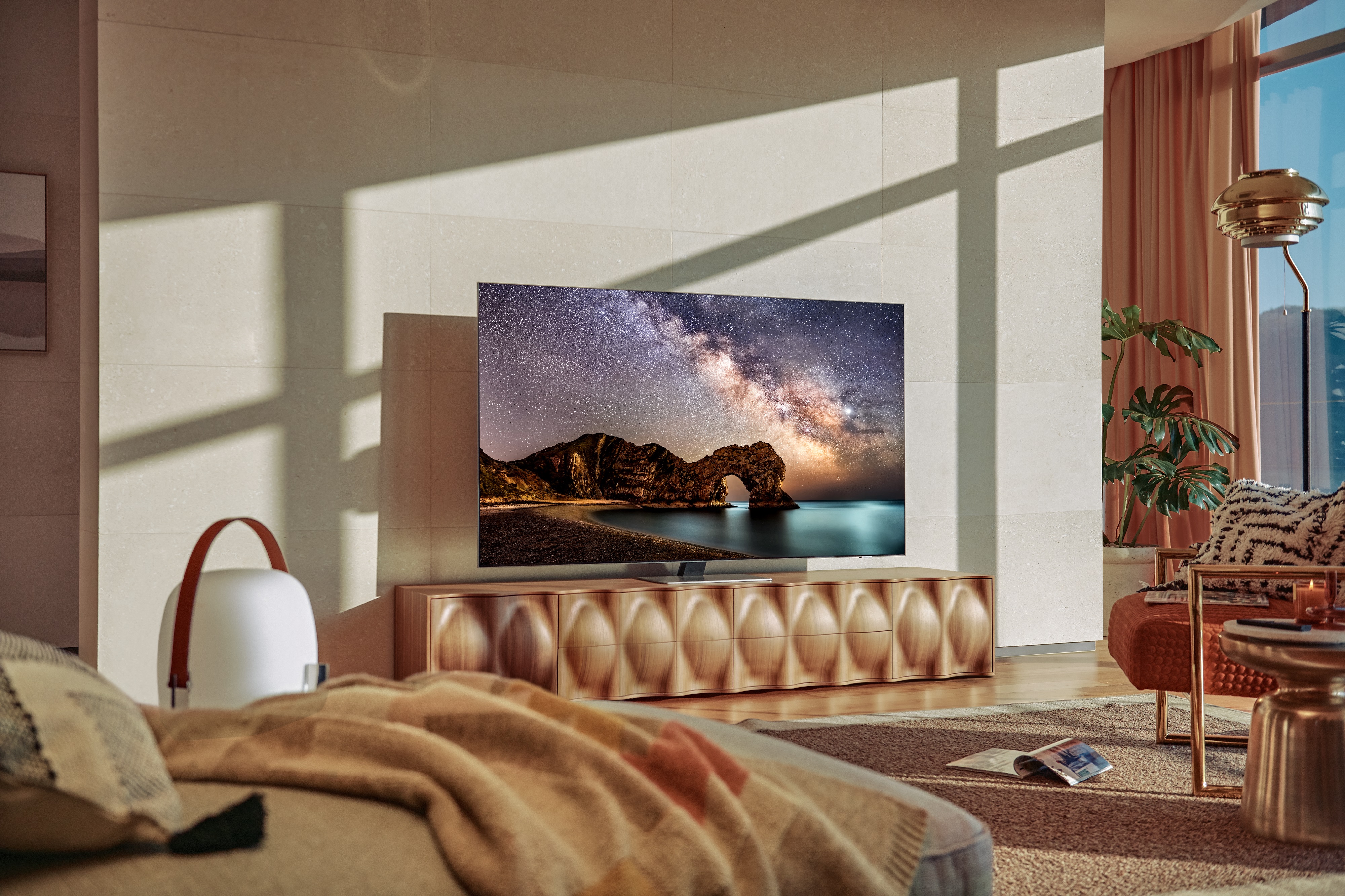
When considering 4K and 8K TV screen types explained, remember resolution isn't everything. High contrast and impactful HDR often create the "wow" factor.
- Smaller Rooms: A quality 4K LED TV with strong local dimming often provides better value than an 8K model.
- Larger Rooms: On very large screens, 8K can make the pixel structure less visible for a smoother image up close, assuming high-quality source content is available.
Bright room or dark room? Room design also picks the panel
Lighting conditions help determine the right panel technology.
- Bright Rooms: For the best TV display technology for bright rooms, a Mini-LED or QLED TV is often superior. Their high brightness and anti-reflection coatings combat daylight.
- Dark Rooms: The difference between OLED and QLED is most apparent in a dark, theater-like environment, where OLED's perfect black levels and pixel-level contrast excel.
Quick “how to” placement checklist (simple fixes, huge payoff)
- How to place the TV: Mount the screen with its center at seated eye level to reduce neck strain.
- How to reduce glare fast: Avoid placing the screen directly opposite windows.
- How to choose size confidently: Use painter's tape to outline the TV's dimensions on your wall to visualize its fit.
- How to plan for gaming: For gaming in a bright room, prioritize a TV with high brightness and gaming features like VRR. Then, you can compare the best gaming TV’s LED vs QLED vs OLED options.
Learn more: 3 Best Laser Projector Brands for Homes & Businesses
Final Verdict: Choosing Your Next Home Display
The right television can bring the world into your home with stunning clarity. Understanding the differences between an LED TV, OLED, and QLED is key to making a choice that immerses you in your favorite stories and games.
Before deciding, consider these points:
- Room lighting: Where will the TV go? The room's brightness is a major factor.
- Viewing purpose: Is it for movies, sports, or gaming? Your primary use will guide your choice.
- Long-term quality: Think of this as an investment in your home entertainment.
Knowing what to look for makes finding the perfect display to transform your space much easier.
Read more:
Best Brands for OLED 65-Inch TVs
What to Look for in a Home Theater Receiver
Frequently Asked Questions about TV Display Technology
For eye comfort, adjust your TV's brightness to match the room's lighting and use eye-comfort modes at night. The difference between OLED and QLED in terms of eye comfort often comes down to user habits rather than the technology itself. Proper setup is key.
Since the price gap between HD and 4K TVs has decreased, investing in 4K provides a more future-proof experience. When evaluating 4K and 8K TV screen types explained, 4K is the practical choice for most households.
Yes, OLEDs can experience burn-in, but modern TVs have built-in protections like pixel shifting that make it rare. The risk increases when static images, like news tickers or game HUDs, are displayed at high brightness for long periods.
A quality LED TV can last for years. Its lifespan depends on heat, brightness levels, and ventilation. To extend its life, ensure proper airflow and avoid continuous maximum brightness. Using a surge protector also helps protect its internal electronics. While smart features may age, the LED TV panel itself is built for long-term use.
Why Trust Flanners Home Entertainment?
When you choose Flanner’s Home Entertainment, you're trusting a deeply rooted, family-owned legacy that dates back to 1891 a company that has evolved from a piano and sheet-music shop into a premier specialty retailer of high-end audio, video, and smart-home systems. With showrooms in West Allis and Northshore Grafton, Flanner’s combines decades of expertise and personalized service. Its team includes members with 15–30 years of industry experience to design and install tailored home theater, multi-room audio, networking, and control solutions. Over its more than 130-year history, the business has maintained its commitment to craftsmanship, reliability, and genuine customer relationships, making every system feel as thoughtfully built as the business itself.